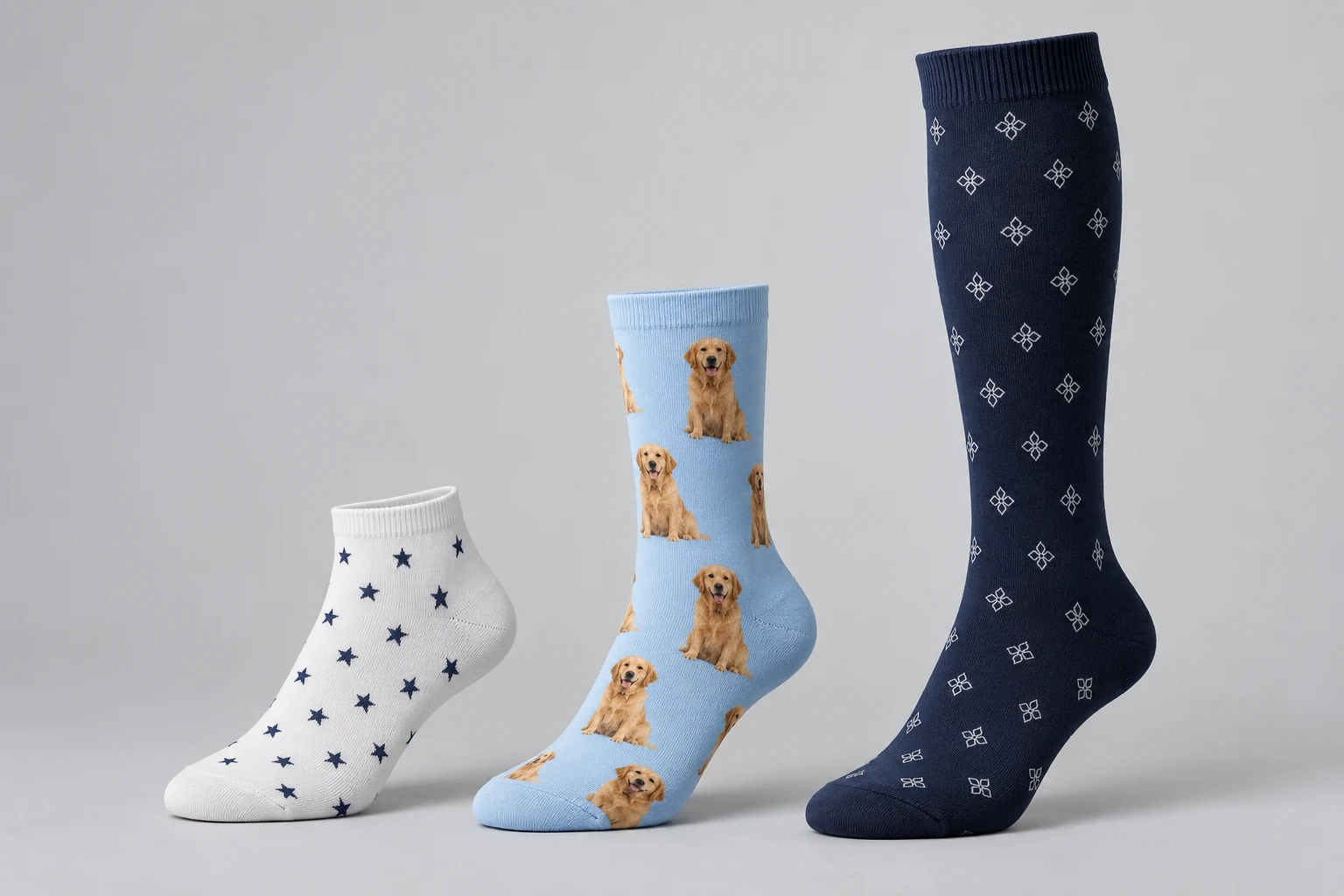
A practical checklist for sharper faces, recognizable pets and a better photo reference before you personalize a pair.
Start with the face, not the background
A photo can be meaningful without being a useful print reference. Before choosing it, zoom in on the face. Can you see the eyes, expression and edges clearly? A photograph where the person or pet occupies a small corner gives less detail to work with than a closer original. The scene behind the subject is usually less important than the subject itself.
Keep the full outline visible
For a person, avoid hands, sunglasses or another face covering the features you want to use. For a pet, include the ears and chin rather than cropping tightly through them. Distinctive fur markings or feather details help make the subject recognizable. If several subjects appear, explain exactly which one should be featured.
Choose gentle, even light
A bright window or open shade can provide more even illumination than strong flash or backlighting. Avoid a face that is half hidden in deep shadow. Heavy beauty filters, artificial blur and social-media effects may change the details the designer needs. A naturally clear image is a more useful starting point than a heavily edited one.
Send the original file
Keep the original from the camera or phone where possible. Screenshots and files repeatedly saved through messaging apps may lose detail. The current SocksMagic upload supports JPG, PNG and WebP, up to 8 MB and at least 300 by 300 pixels. That minimum is an upload threshold, not a guarantee of print quality: a sharp, larger original is preferable to a small image enlarged artificially.
Think about the sock length
The same portrait can look different on a short ankle style and a taller crew sock. A smaller design area may need a simpler layout. Compare the available layouts and measurements on the selected product; do not assume one design can be moved between lengths without changes.
Understand what the upload preview means
A file preview confirms that you selected an image. It is not an instant finished print proof, and does not confirm the final background cutout, repetition or placement. Review all available product information and use the design-note field to explain details that matter. For several faces or a difficult source photo, ask about the idea before ordering.
Before you upload
Check that you own the image or have permission to use it, that the subject is sharp, and that any name is spelled correctly. Keep an unedited copy in case a clearer reference is needed. If the only available image is low-resolution, contact us rather than assuming sharpening software can restore missing detail.
Explore the next step
A Question About Your Idea?
Share the design, sock style and details you are considering.
Contact SocksMagic